Check suspicious messages and screenshots
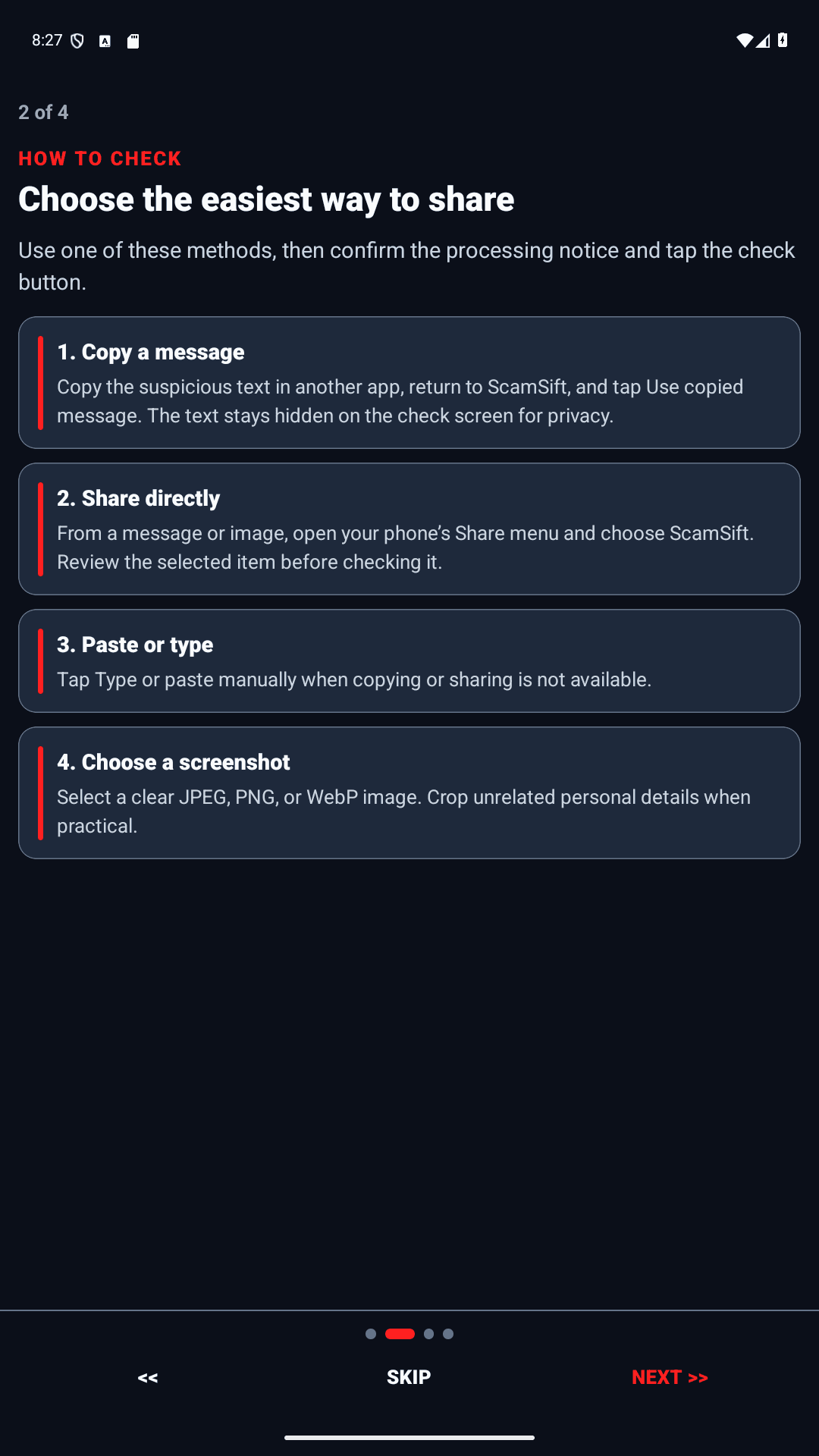
Paste a text message, share selected text, or choose a screenshot of an email or conversation. You decide what to submit.
 Anti-Scam CircleGet the app
 Anti-Scam CircleBy Limocon Tech
A second opinion. A safer next step.
AI scam checks for you and the people you trust.
Android · Available on Google Play
Install from the same official Google Play listing. The listing and installed app may still show the previous name, ScamSift, during the rename.
A little clarity before a big decision
You do not need to be a tech expert. Bring the message. Get a plain-language explanation. Decide what to verify next.
Paste text, share selected text from another app, or choose a screenshot. You stay in control of what you submit.
Get an AI-assisted explanation of possible phishing, impersonation, urgency, and unexpected payment requests.
Verify through an official app, website, or number you find independently. Ask your Circle when you want a second opinion.
Built for the messages real life sends
Paste a text message, share selected text, or choose a screenshot of an email or conversation. You decide what to submit.
Get plain-language explanations of tactics such as urgency, impersonation, and unexpected payment requests.
Use practical next steps and Circle tools to ask a trusted person for a second opinion. Confirm important claims through an official channel.
A second opinion, not a guarantee. Anti-Scam Circle cannot detect every scam and does not block messages, calls, or payments.
 Your Circle
Protection is personal
An unexpected payment request. A worrying message to a parent. Sometimes the best next step is to ask someone who knows you.
With a Family plan, invite people you trust into your Circle. Share an in-app alert and talk through the warning signs together. Each member has their own account and chooses what to share.
Find the plan for your peopleFor you. For your people.
Choose your plan and Monthly or Yearly billing in the app. Google Play shows your local price and subscription terms before you purchase.
Just for you
200checks per month
A second opinion for the messages you receive.
Explore in the appYou + 3 people
500shared checks per month
Help your closest people pause and verify together.
Explore in the appYou + 7 people
1,200shared checks per month
Bring more of the people you trust into your Circle.
Explore in the appFamily allowances are shared across the subscriber and included members. Read subscription terms and limits.
Your choice. Every check.
Anti-Scam Circle does not automatically read your messages, emails, or contacts. Only the text or screenshot you choose to submit is sent for Google Gemini analysis through Anti-Scam Circle’s service.
Remove passwords, verification codes, and unnecessary sensitive details before submitting.
Understand how your data is handledAnti-Scam Circle is an AI scam checker from Limocon Tech for suspicious messages and screenshots. It explains possible phishing, impersonation, and fraud warning signs in plain language and suggests what to verify before you act. It cannot guarantee that a message is safe.
Paste or type the message into Anti-Scam Circle, share selected text from another app, or choose a screenshot. Review your selection and start the check. Read the explanation, then verify important claims through an official app, website, or phone number you find independently. Do not click a suspicious link just to test it.
Anti-Scam Circle is designed for families, including adult children helping parents, relatives, retirees, and people who are less confident with technology. Plain-language results and Circle tools help people ask someone they trust before acting. Each person chooses what to check; the app does not monitor a loved one's inbox.
No. Anti-Scam Circle checks only the text or screenshots you choose to submit. It does not automatically read your SMS or email inbox, provide caller ID, block calls, or stop payments. It is not an antivirus or an automatic spam blocker.
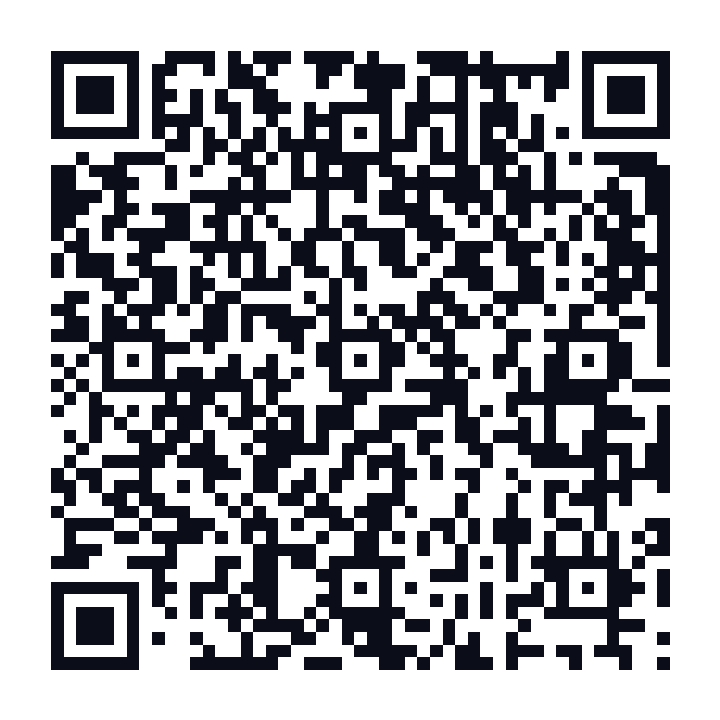
Install from the same official Google Play listing. The listing and installed app may still show the previous name, ScamSift, during the rename. Use the official Google Play button or QR code on this page to install it.
Only content you choose to submit is sent for Google Gemini analysis through Anti-Scam Circle's service. Review the Privacy Policy for processing and retention details. Never submit passwords, verification codes, or unnecessary sensitive information.
Available on Google Play
Keep a second opinion close. Download Anti-Scam Circle for Android and check before you act.
Get it on Google Play