
Check suspicious messages and screenshots
Paste a text message, share selected text, or choose a screenshot of an email or conversation. You decide what to submit.
LIMOCON TECH APPS
Start with Anti-Scam Circle for a second opinion on suspicious messages. Explore tools for your fields and creative work, with availability shown for each app.
Install from the same official Google Play listing. The listing and installed app may still show the previous name, ScamSift, during the rename.


Anti-Scam Circle
Check before you act.
By Limocon Tech01 · ANDROID · GOOGLE PLAY
AI scam checks for you and the people you trust.
Anti-Scam Circle helps you make sense of suspicious messages and screenshots. Check for possible phishing, impersonation, or payment-scam warning signs, understand the explanation, and decide what to verify next. It is a second opinion, not a guarantee of safety, and does not block messages, calls, or payments.
Paste a text message, share selected text, or choose a screenshot of an email or conversation. You decide what to submit.
Get plain-language explanations of tactics such as urgency, impersonation, and unexpected payment requests.
Use practical next steps and Circle tools to ask a trusted person for a second opinion. Confirm important claims through an official channel.
Install from the same official Google Play listing. The listing and installed app may still show the previous name, ScamSift, during the rename.
Scan the QR code or use the official Google Play button to install Anti-Scam Circle. Status updated .
 Official Google Play download
Install Anti-Scam Circle
On your Android phone? Use the Google Play button. On another device? Scan this code with your phone to open the same official listing.
This QR code resolves only to Anti-Scam Circle’s official public Google Play listing.Anti-Scam Circle · A closer look
Swipe or scroll through the previews. Open an image to read the original full-size screen. The captions explain what you are looking at.
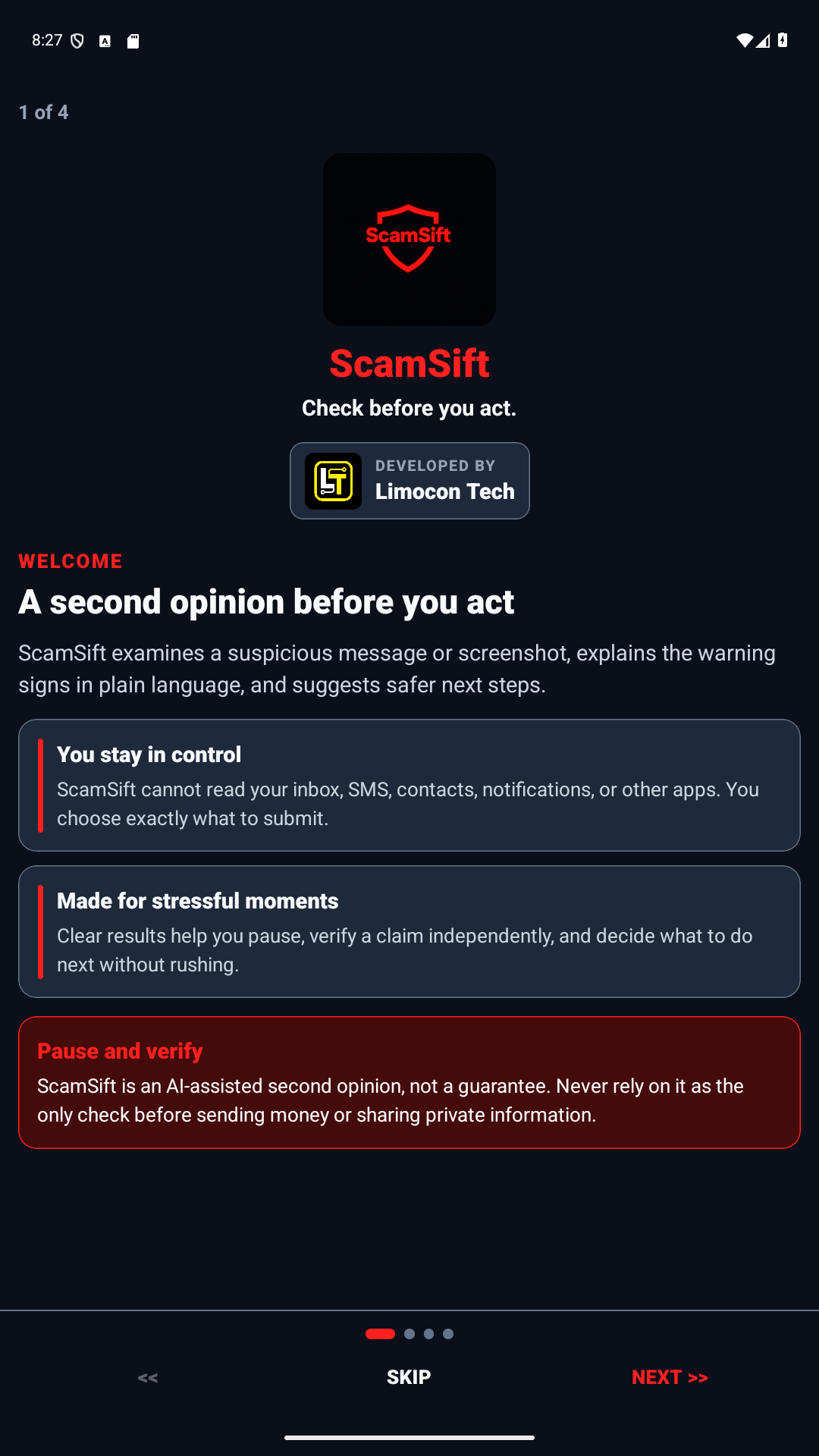
Earlier app preview with the previous ScamSift name. You choose what to check; a result is a second opinion, not a guarantee of safety.
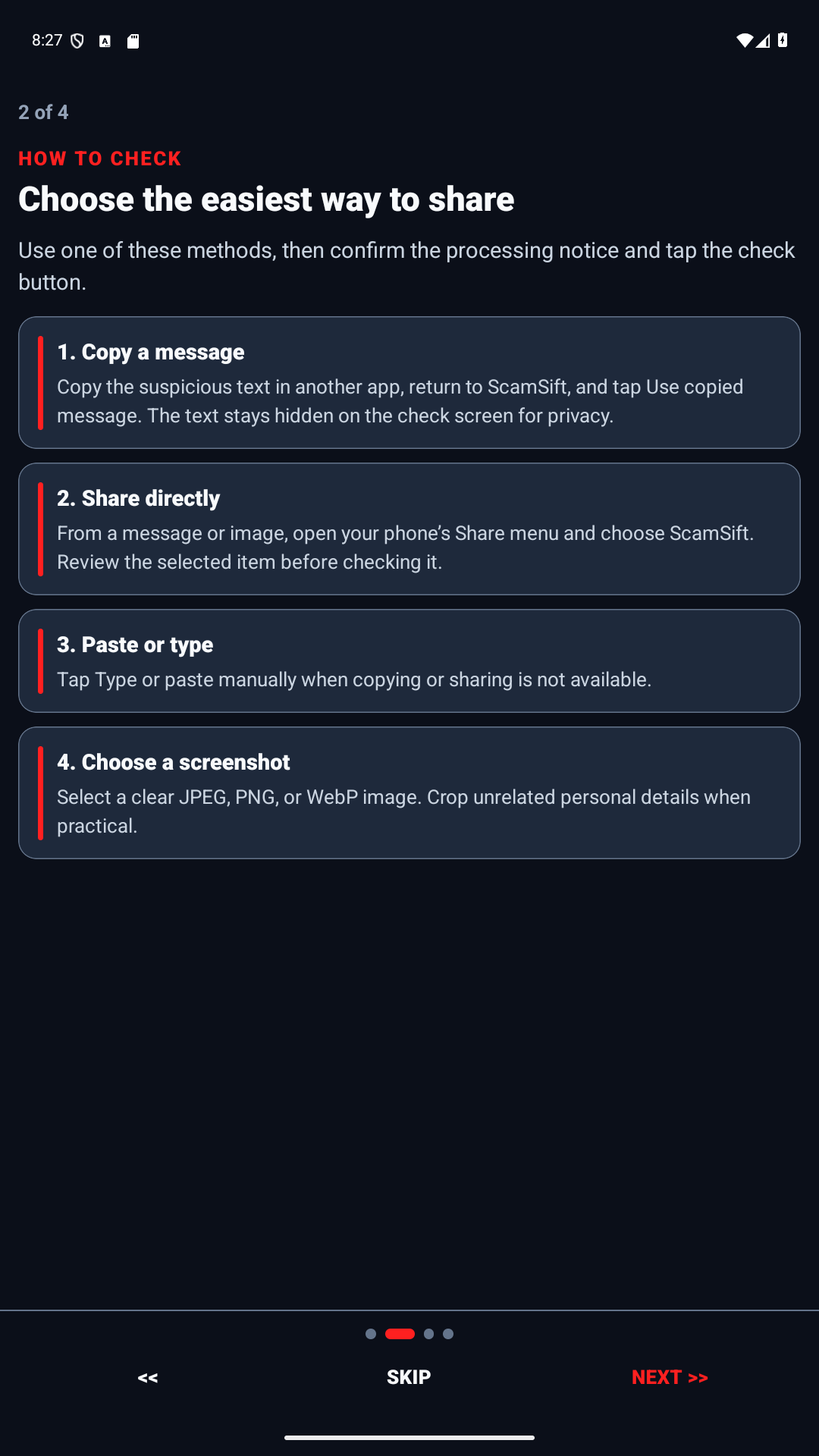
Earlier app preview with the previous ScamSift name. Copy, share, paste, or use a screenshot; you choose the content before analysis begins.
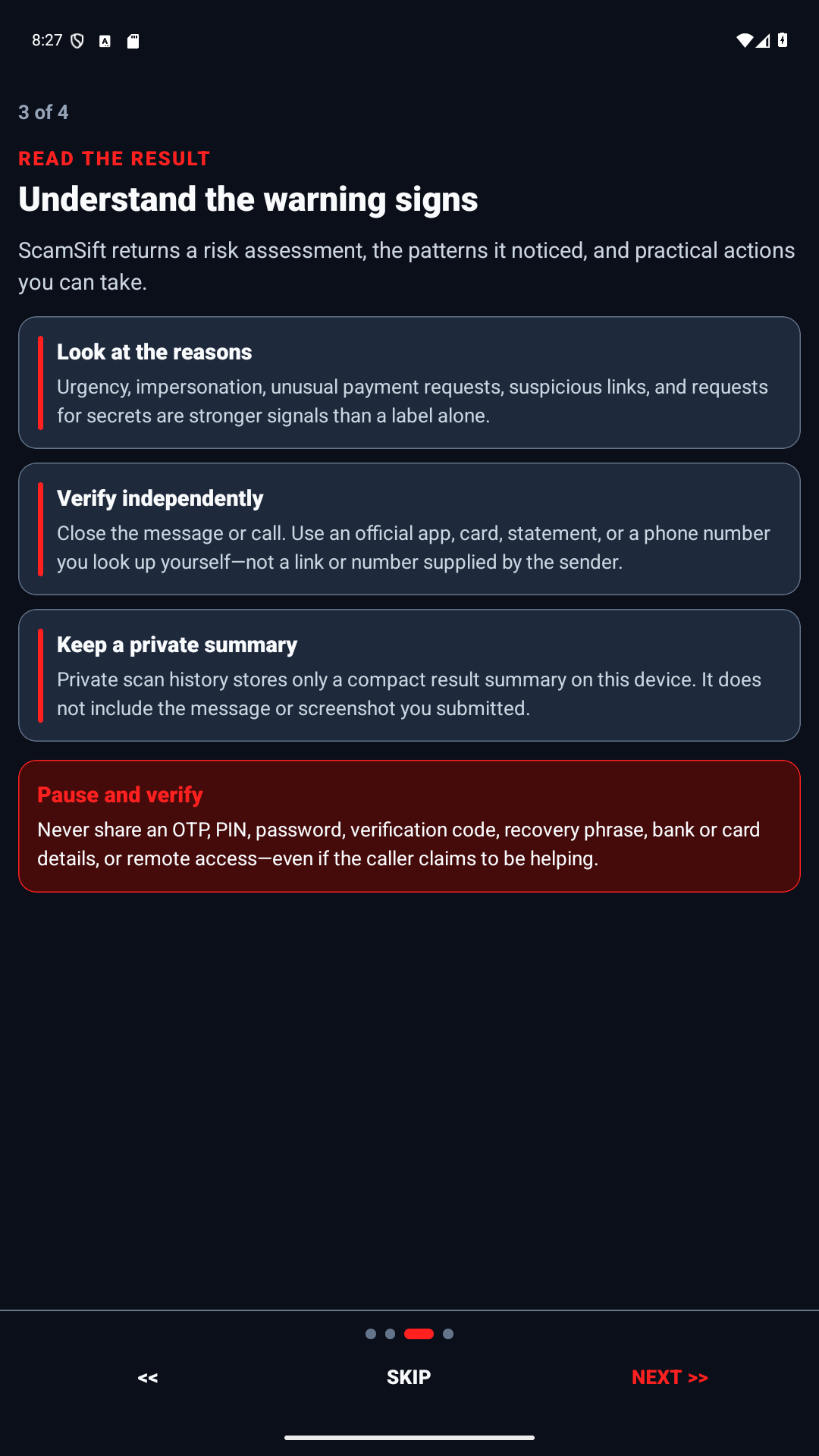
Earlier app preview with the previous ScamSift name. Learn warning signs before you reply, click, pay, or share personal information.
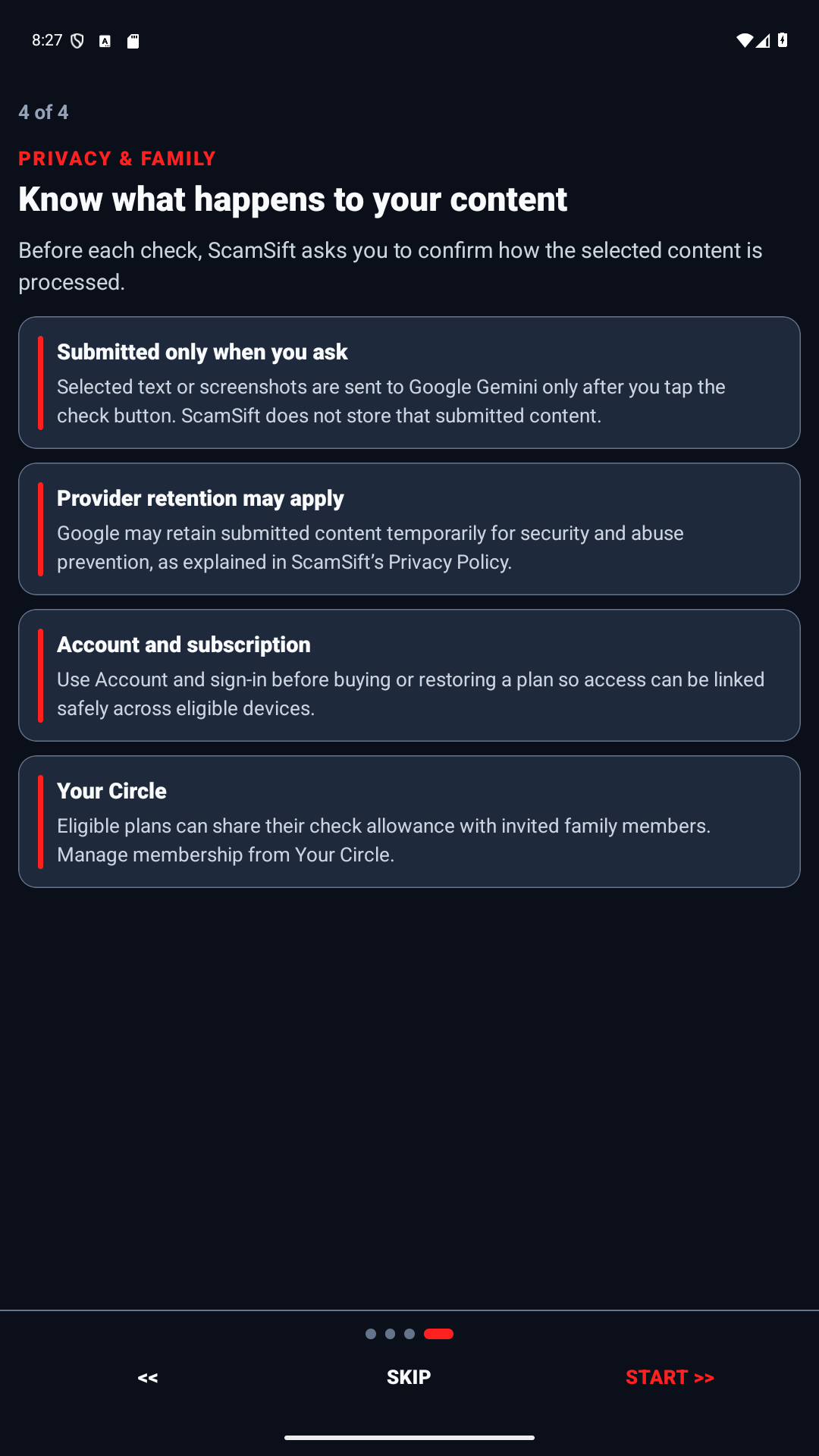
Earlier app preview with the previous ScamSift name. Choose Solo or a Family plan with a shared check allowance.
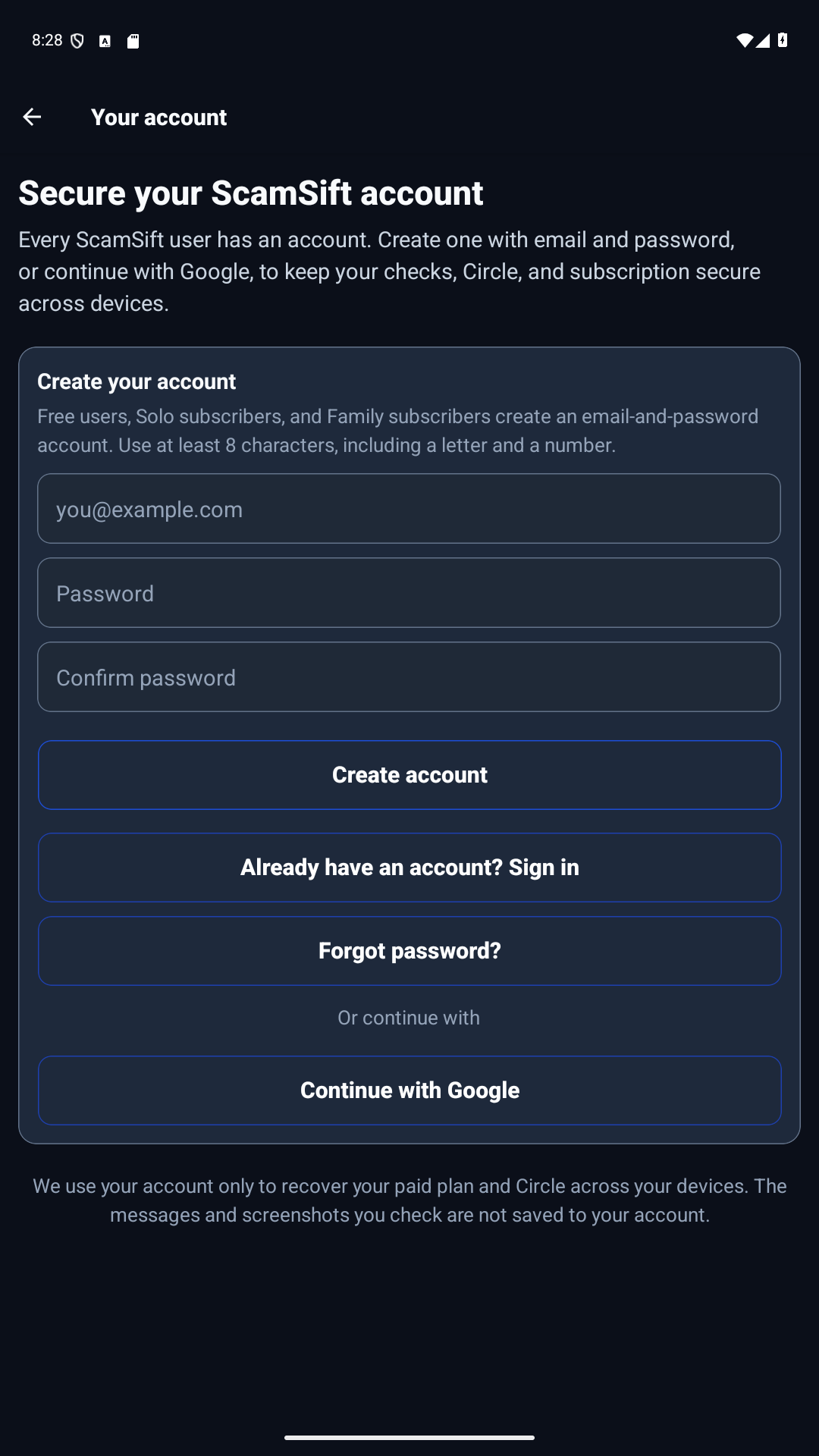
Earlier app preview with the previous ScamSift name. Each person uses an account; sign in with email and password or Google.


02 · ANDROID · PRE-RELEASE
Physique-specific training, recovery, and progress coaching for men building broader shoulders and lats with a tighter waistline.
V Taper Aesthetic Fitness connects editable workout programming, readiness decisions, physique measurements, standardized progress photos, and focused Godwinn guidance. Nutrition opens the separate MacroOptic AI app instead of duplicating food and macro tools.
Run an editable V-taper split, log every set, control rest, and use purposeful exercise substitutions.
Track shoulders, chest, waist, body composition, physique ratios, and consistent progress photos.
Use readiness signals and Godwinn guidance while keeping clear boundaries for pain, injury, and medical questions.
MORE TO EXPLORE
 01 · Coming soon · Android
Your fields. A clearer picture. Organize rice parcels, crop records, farm work, and costs in one practical workspace.
 02 · Product resources
Compare a recorded take with the brief, see what matches, and know what still needs your review.